Find a course
Explore our study areas
 Allied Health
 Business and Accounting
 Creative, Performing and Visual Arts
 Digital Media, Communication and Arts
 Education, Teaching and Childcare
 Engineering, Built Environment and Aviation
 English and Study Pathways
 Information Systems and Technology
 Law, Criminology and Justice
 Nursing, Paramedicine and Health
 Psychology, Social Work and Community Services
 Safety Sciences
 Science, Environment and Agriculture
 Service Industries
 Trades
Ways to Study
TAFE Certificates and Diplomas
Get job-ready skills with a wide range of online and on-campus TAFE certificates and diplomas available year-round.
Undergraduate
With five-star graduate outcomes, get career-ready with our extensive range of associate and bachelor degree options.
Postgraduate
Upskill, advance or change careers with a graduate certificate, graduate diploma or masters-level postgraduate degree.
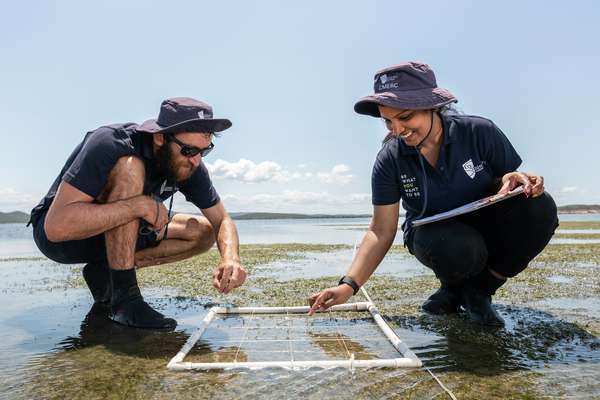
Research
Leverage your passion and industry experience to further your career and make real change with a research degree.
Entry Pathways
We believe education is for everyone. Let us help you get into the course you want with our alternate pathways to study.

Short Courses and Micro-credentials
Build your professional development and explore an area of interest with our exciting range of flexible online courses.
Feel Right at Home Online
Choose from over 200 course options and discover a more welcoming and supportive online study experience thanks to our 40+ years’ experience.